TikTok Video Downloader Online: No App, No Signup Required
Short-form video content has completely changed how people consume information, entertainment, and trends online, and TikTok sits at the center of that shift. Every day, millions of users come across videos they want to save for offline viewing, reference, inspiration, or personal use. However, TikTok’s built-in download option is limited, often pushing users toward apps, signups, or low-quality solutions they don’t really want. This is where a TikTok video downloader online becomes the preferred choice. Instead of installing extra applications or creating accounts, users can download videos directly through their browser in seconds. No app clutter, no storage permissions, and no waiting, just a clean, straightforward process that works across devices.
Online downloaders are especially appealing to users who value privacy and simplicity. Many people don’t want to give third-party apps access to their phone storage, contacts, or background activity just to save a single video. A browser-based solution removes those concerns entirely by keeping everything web-based and temporary. In this guide, we’ll break down how online TikTok video downloaders work, why they’re more reliable than apps, and how to use them correctly for the best results. You’ll learn the safest way to save videos using only a link, understand common mistakes to avoid, and see why browser-based tools have become the standard option for users who want speed, control, and convenience without unnecessary risks.
What Is a TikTok Video Downloader Online?
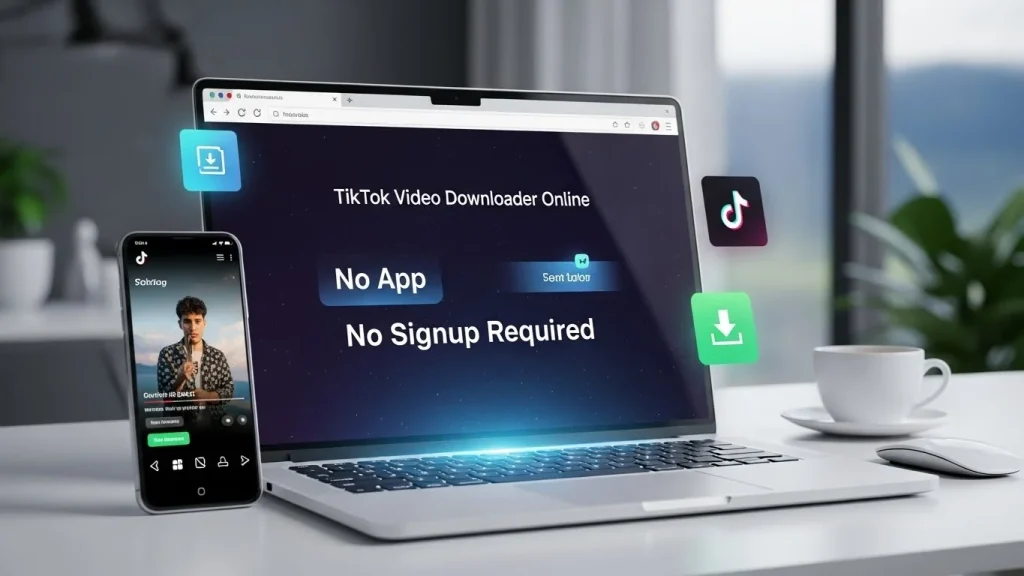
A TikTok video downloader online is a web-based tool that allows you to download TikTok videos using only a video link. Instead of installing software or creating an account, you simply paste the TikTok URL into the tool and download the video directly from your browser.
These tools work by fetching the video data from TikTok’s servers and converting it into a downloadable format, usually MP4. Because everything happens online, there’s no need to grant device permissions or worry about background activity. Users prefer this approach because it’s simple, fast, and compatible with almost all devices.
Why Use an Online TikTok Downloader Instead of an App?
Apps may seem convenient, but they often come with drawbacks. Many require storage access, login permissions, or frequent updates. Some unofficial apps even pose security risks.
An online TikTok downloader avoids these issues entirely. Since it runs in your browser, you don’t need to install anything or share personal information. This makes it ideal for users who value privacy and simplicity. Other benefits include:
- No app clutter on your phone or computer
- Works across multiple devices
- No account creation required
- Instant access without updates
For most users, a browser-based solution is the most efficient choice.
How to Use a TikTok Video Downloader Online?
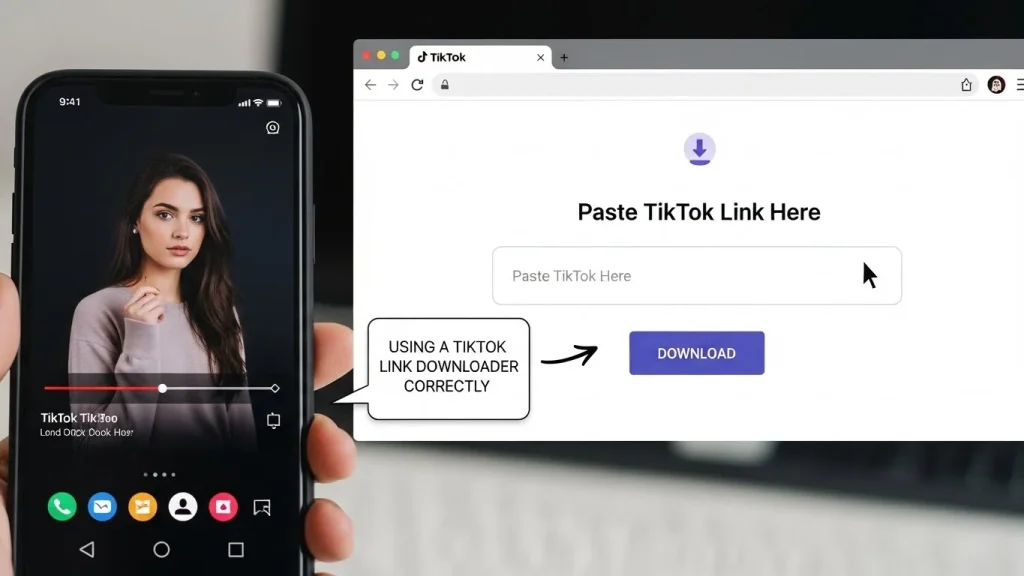
Using an online tool is straightforward and takes less than a minute. First, open TikTok and find the video you want to save. Make sure the video is public. Tap the share button and copy the video link.
Next, open your browser and go to your preferred downloader. Paste the link into the input field and submit it. The tool will process the video and prepare download options. Finally, select the available format and download the file to your device. This method works consistently across platforms and doesn’t require any technical skills.
Browser-Based Downloading: How It Works
A browser TikTok downloader operates entirely within your web browser. It doesn’t interact without Watermark your system beyond downloading the final file, which is why it’s considered safer than third-party apps. Because it’s browser-based, you can use it on:
- Android phones
- iPhones
- Windows PCs
- MacBooks
As long as your browser is updated and the video is public, the tool will work the same way everywhere.
Saving TikTok Videos Online
Many users simply want to tiktok save online for offline viewing or reference. Online tools make this process quick and repeatable. There’s no learning curve, no configuration, and no hidden steps. You paste the link, click download, and the video is saved. That’s it.
This simplicity is especially helpful for users who occasionally download videos and don’t want to commit to installing apps they’ll rarely use.
Web TikTok Downloader vs Mobile Apps
A web TikTok Video Downloader Online offers flexibility that apps can’t match. Apps are often platform-specific, meaning one version for Android, another for iOS, and sometimes none for desktop users.
Web-based tools, on the other hand, are platform-agnostic. The same tool works everywhere, making it a more scalable and future-proof solution. Apps may also stop working after TikTok updates, while web tools are usually updated server-side without user involvement.
Formats and Quality Options
Most online downloaders provide videos in MP4 format, which is widely supported across devices and media players. MP4 ensures good quality, smooth playback, and easy sharing.
Choosing the correct option ensures:
- Proper audio sync
- Original resolution retention
- Compatibility with editing software
A reliable TikTok video tool should always prioritize quality over speed and avoid unnecessary compression.
Is It Safe to Use TikTok Video Downloader Online Tools?
Safety depends on how you use the tool. Reputable online downloaders do not require login credentials, do not ask for personal data, and do not install software on your device.
To stay safe:
- Avoid tools that request a TikTok login
- Don’t download browser extensions unnecessarily
- Stick to simple paste-and-download workflows
When used responsibly, browser-based tools are one of the safest ways to download TikTok videos.
Using a TikTok Link Downloader Correctly
A TikTok link downloader relies entirely on the video URL. If the link is incorrect, expired, or from a private video, the download won’t work.
Always ensure:
- The video is public
- The link is copied fully
- You’re using a stable internet connection
This avoids common errors and ensures smooth processing.
Legal and Ethical Use
Downloading TikTok videos should be limited to personal use, offline viewing, or educational reference. Content ownership remains with the original creator, even if the video is downloaded.
Avoid re-uploading or redistributing videos without permission. Responsible use protects both you and the creators who make the content.
Conclusion:
Saving TikTok videos doesn’t need to be complicated, risky, or time-consuming. With the rise of browser-based solutions, a TikTok video downloader online offers the most practical and user-friendly way to download videos without installing apps or signing up for accounts. It puts control back in the user’s hands while keeping the process fast and secure. Online tools stand out because they are device-independent, easy to use, and accessible anytime. Whether you’re on a smartphone, tablet, or computer, the experience remains consistent. Copy the link, paste it into the tool, and download. There’s no learning curve, no maintenance, and no hidden requirements.
Most importantly, browser-based downloaders reduce exposure to unnecessary security risks. By avoiding apps and extensions, users limit permissions, data collection, and potential malware. As long as videos are public and used responsibly for personal purposes, online downloading remains a safe and efficient option. In short, if your goal is convenience without compromise, an online TikTok downloader is the clear choice. Simple access, broad compatibility, and zero friction make it the preferred solution for users who want results, not extra steps.